
Feature guides
Investiq features: lessons, company search and a virtual portfolio
Start with what you want to examine: a question in a lesson, information about a company or the change after a simulated trade. The guides connect the product’s described flows to original checks and open educational material.
Which step do you want to understand?
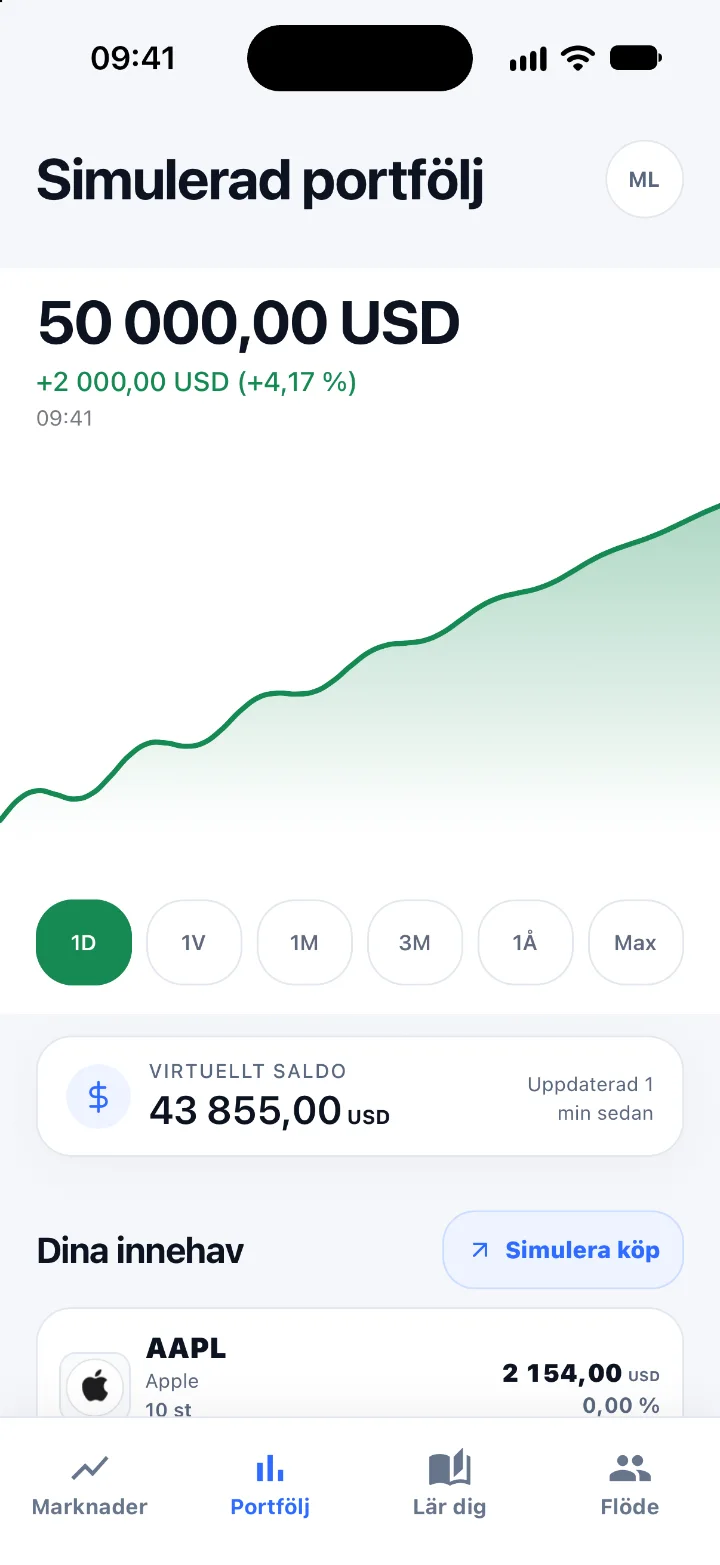
Investiq’s virtual portfolio: understand a simulated purchase and sale
Follow the money through a fictional purchase and sale. See how virtual cash, share count and portfolio value fit together in Investiq’s described practice flow.
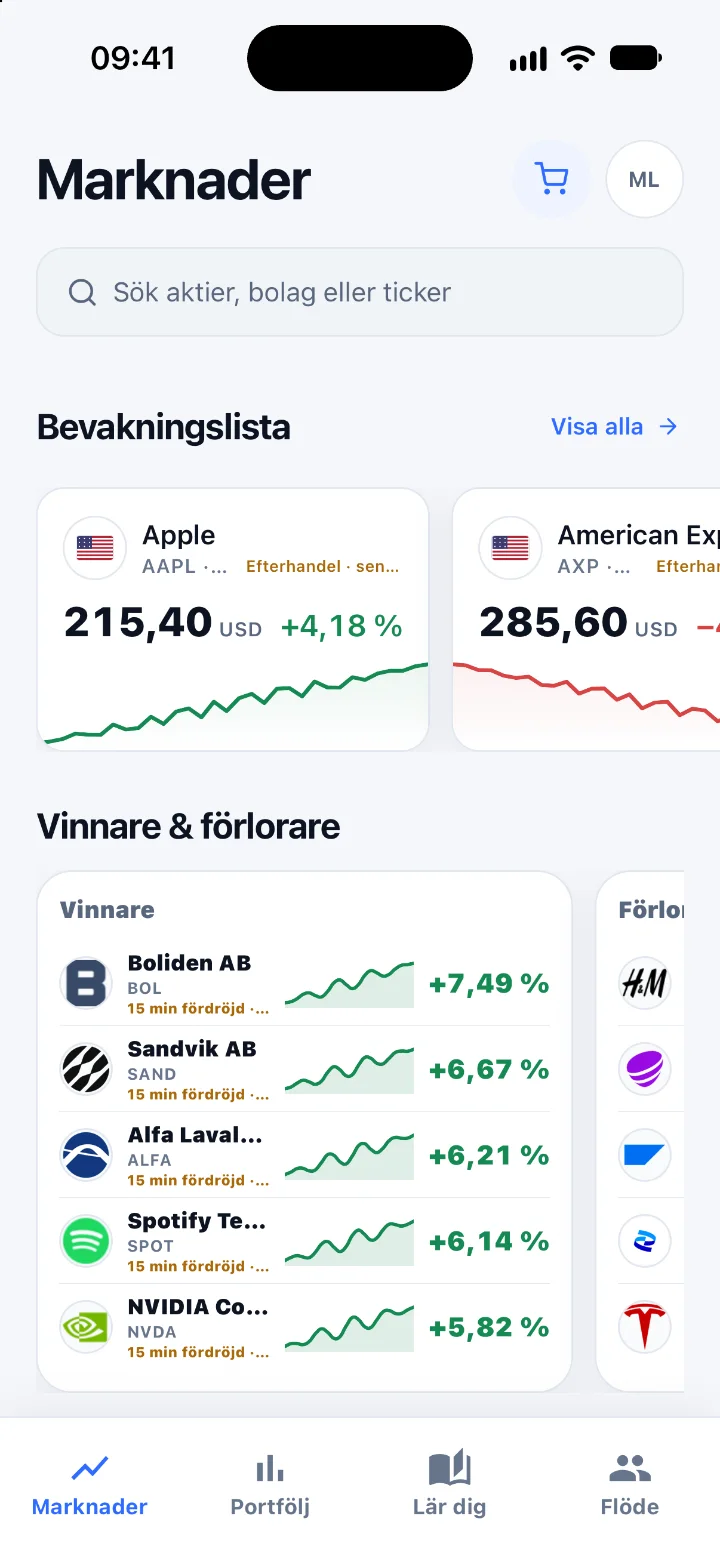
Company search in Investiq: check what you have found
From company name to the right information: check identity, currency and time period. A guide to Investiq’s described company search with an original review exercise.
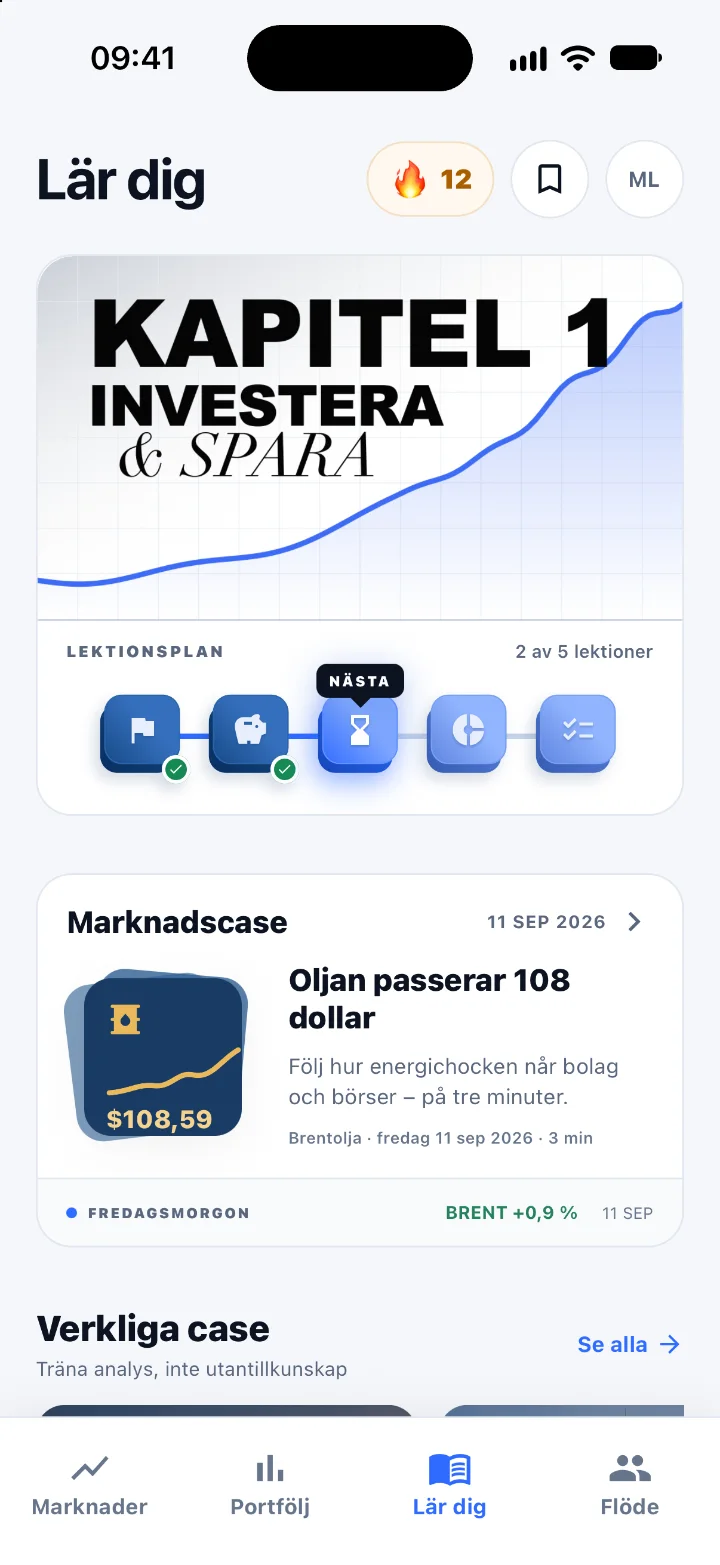
Short investing lessons in Investiq: from a question to your own explanation
Choose a question, explain a concept and test the reasoning. See how Investiq describes short lessons and connect them to open exercises you can use now.
Connect the flow to your own check
A lesson question helps you choose a concept. Company search helps you find information, but you still need to check identity, currency and time. A virtual portfolio lets you examine how cash and holdings fit together in a simulation. Each guide has its own working method and an exercise with an explanation.
You can use the pages’ fictional activities without an app account. The lesson collection gives more help with the concepts. Shared activities suit discussions with family or friends, while the school material provides defined student tasks and support for reviewing them.
Development screenshots and availability
The guides use real images from the Swedish development version. Their prices belong to the recording and are not current quotes. The interface and catalogue can change before launch. Read current launch information before assuming that a particular flow is publicly available.
The overall product guide shows how the steps connect and distinguishes screenshots from illustrated previews. Amounts and company cards in these exercises are invented; they do not indicate securities you should buy.
Practice now. Invest later.
Investiq is live

Free · For iPhone · Now on the App Store