Investiq
How Investiq works
Learn by making decisions, observing what happens and discussing why. Investiq uses virtual money and simulated trades.
What can you see and use now?
You can view real development screenshots and try an illustrated preview here. The classroom exercise works without an app account. The screenshots do not mean that the app has launched publicly.
See the app step by step
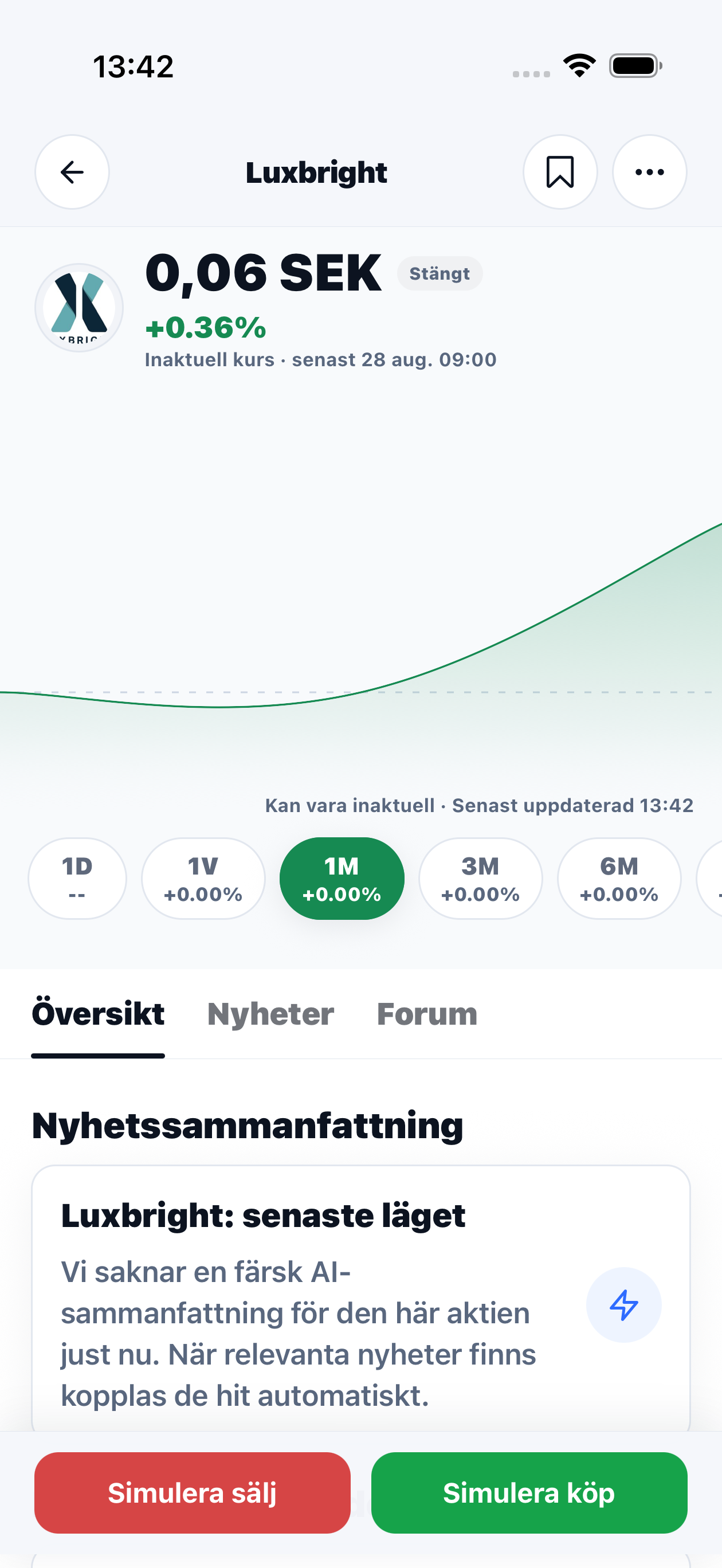
Real screenshots from the development version. The interface is shown in Swedish and may change before launch. Prices belong to the captured screens and are not current market prices.
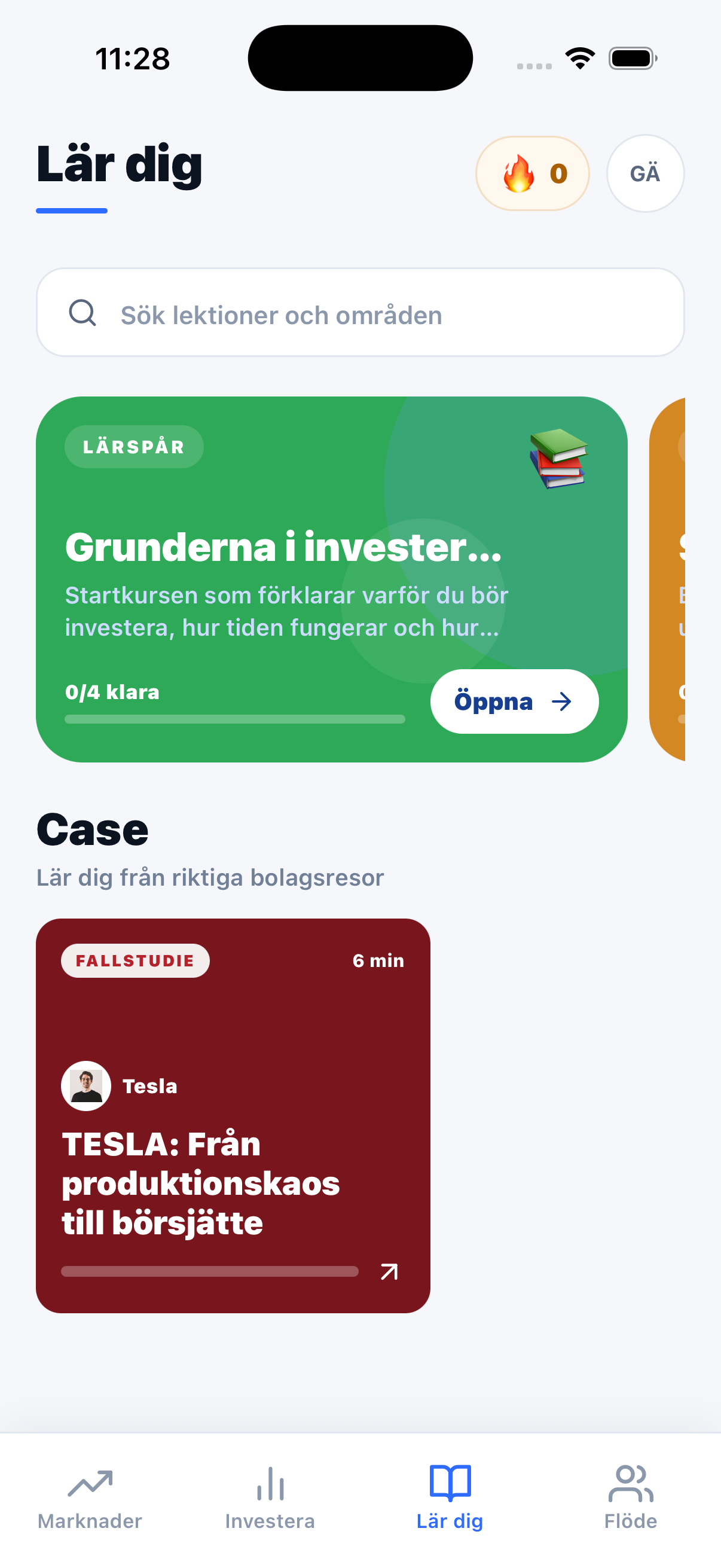

1. Understand a concept
Start with a short lesson and check your understanding with questions. Explain what you learned in your own words before continuing.
2. Practice with virtual money
Explore companies and build a simulated portfolio. A simulated purchase changes the practice portfolio; it does not send an order to an exchange or give you ownership of real shares.
Real companies, simulated decisions
The company search and price chart in the screenshots show how to investigate a company before a practice purchase. Check the price timestamp, currency and selected period before comparing. A historical chart shows what happened, not what will happen.
Market data and simulated trading are different things. Screenshot prices are not live quotes, and a simulated trade does not promise the price you would receive on a real exchange.
3. Compare and learn together
Discuss decisions with friends. A portfolio may rise through luck or fall despite thoughtful decisions. Ask both what happened and why.
Challenges with friends are part of the product experience described ahead of launch; the three screenshots above do not show a competition flow. Comparing practice portfolios requires the same starting balance, period and rules. Record why you choose a company and discuss the outcome afterwards.
Interactive product preview
The preview below illustrates the flow. It is not an active trading account or a display of current prices.
View the preview